Best Caregiver App for Families: How to Coordinate Care for an Aging Parent
Learn what to look for in a caregiver app for families, including shared care logs, medication visibility, roles, appointments, emergency information, privacy, and offline access.
Editorial disclaimer
TendLog helps families organize and share care information. It does not provide medical advice, diagnosis, or treatment. Always consult a qualified healthcare professional for medical decisions. In an emergency, call 911 or your local emergency number immediately.
Caregiving rarely stays simple for long. At first, one person may help an aging parent with groceries, rides, or a few medication reminders. Over time, care becomes a shared system: one sibling handles appointments, another checks in by phone, a spouse manages daily routines, and a neighbor may help during emergencies.
That is when families start searching for a caregiver app for families. They are not only looking for another reminder app. They need one place where everyone can see what happened, what still needs to happen, and what information matters when decisions get stressful.
AARP and the National Alliance for Caregiving reported in 2025 that 63 million Americans are family caregivers. Many caregivers are also employed, financially stretched, or supporting more than one generation. In that reality, a good family caregiving app should reduce confusion, not create another dashboard to maintain.
Why family caregiving breaks down without a shared system
Most families begin with tools they already use: text threads, sticky notes, calendar events, paper medication lists, and photo screenshots. Those tools are familiar, but they were not designed for care coordination.
The problems usually appear in small ways first. Someone forgets to tell the rest of the family that a medication changed. A doctor asks when a symptom started, and no one can remember. A caregiver logs a note in their own phone, but the person attending the next appointment never sees it. A sibling wants to help, but does not know what tasks are actually useful.
These are not failures of effort. They are failures of shared visibility. Families care deeply, but without one source of truth, the work becomes fragmented.
What a caregiver app for families should actually do
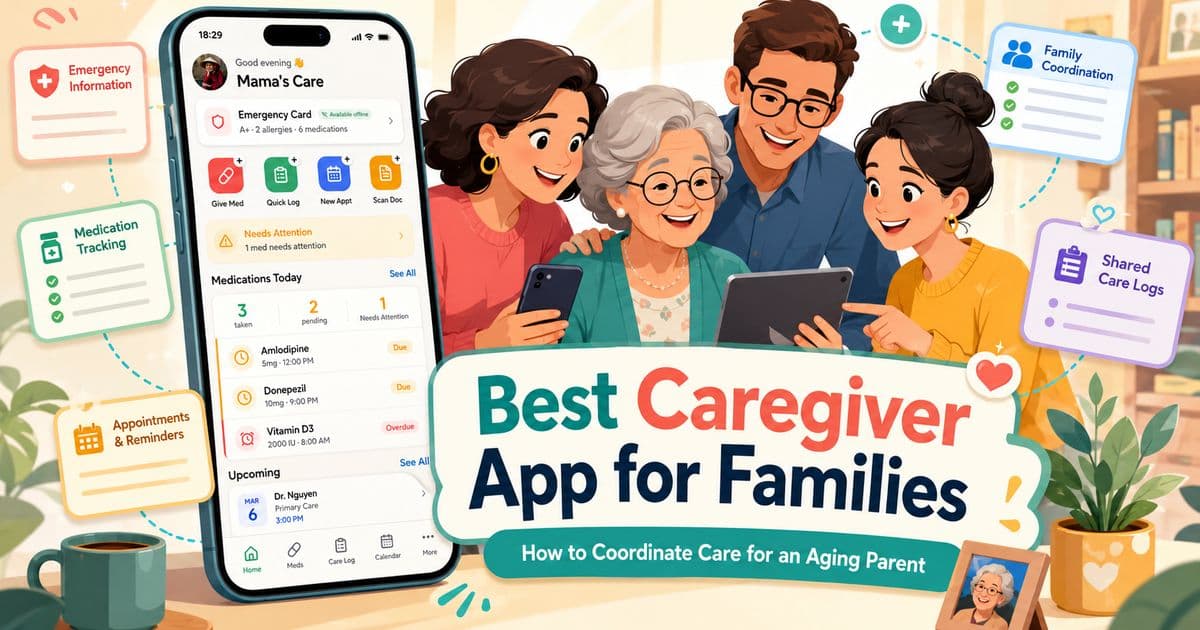
The right caregiver app should match how family care works in real life. It should support daily updates, shared responsibilities, critical health information, and privacy. It should also remain simple enough for exhausted people to use consistently.
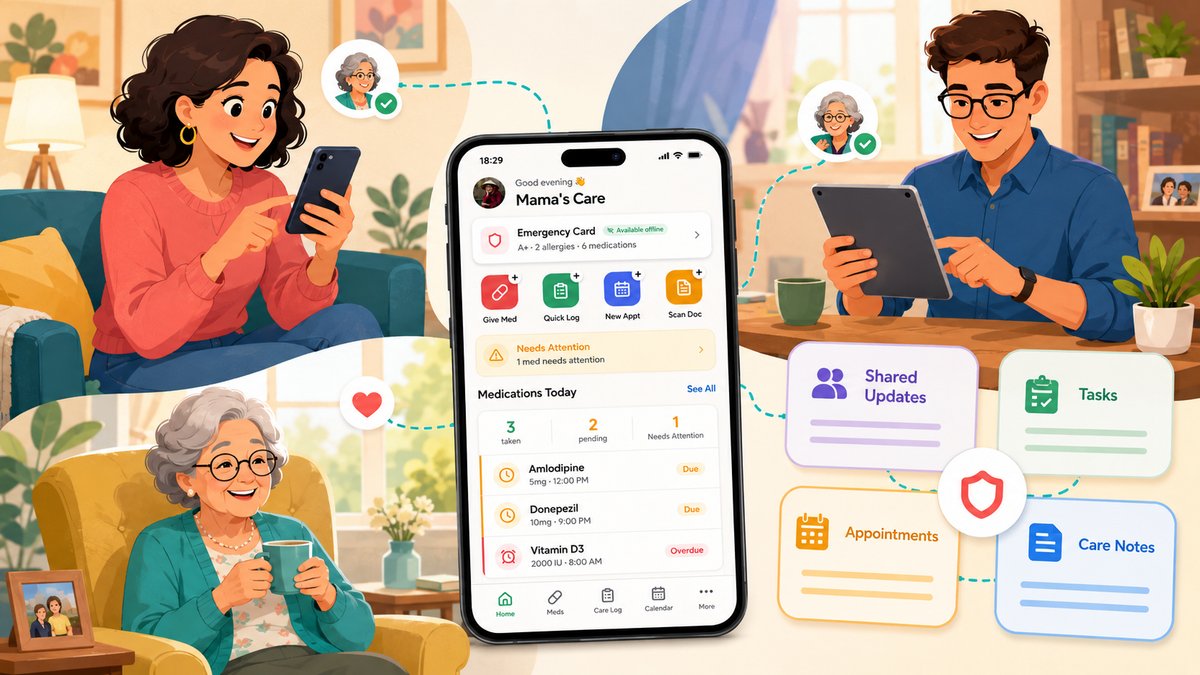
1. Shared care logs
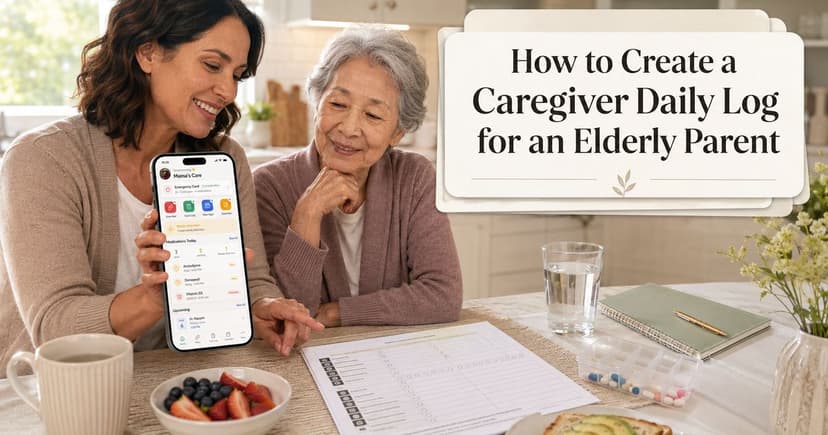
A shared care log is the foundation. It gives the family a timeline of care activities: meals, medication notes, mood changes, symptoms, appointments, sleep concerns, mobility changes, and anything else worth remembering.
The goal is not to document every minute. The goal is to capture the useful details that make care easier the next day, next week, or at the next appointment.
A good care log should make it clear who added the note, when it was added, and what happened.
2. Medication visibility for the whole care team
Medication management is one of the most common sources of stress in family caregiving. A family app should help caregivers maintain a current medication list, track important notes, and make medication information easier to review before appointments.
The app should not encourage caregivers to make medical decisions on their own. Instead, it should help the family keep information organized so doctors, pharmacists, and other qualified professionals can make better-informed recommendations.
3. Clear roles and permissions
Not every family member needs the same access or responsibility. One person may be the primary caregiver. Another may only need to see updates. A third may manage appointments or documents.
The best caregiver app for families should support role clarity, so people know how they are expected to help.
This is especially important when siblings live in different cities or states. Long-distance caregivers can still contribute by scheduling appointments, calling insurance providers, reviewing logs, preparing questions, and checking in regularly.
4. A shared appointment and task view
Caregiving involves many small deadlines: follow-up visits, lab tests, refill dates, therapy sessions, home care visits, and insurance calls. When these live across multiple calendars, tasks fall through the cracks.
A family caregiving app should make the next actions visible. It should answer:
What is coming up?
Who is responsible?
What should we prepare before the visit?
What changed after the appointment?
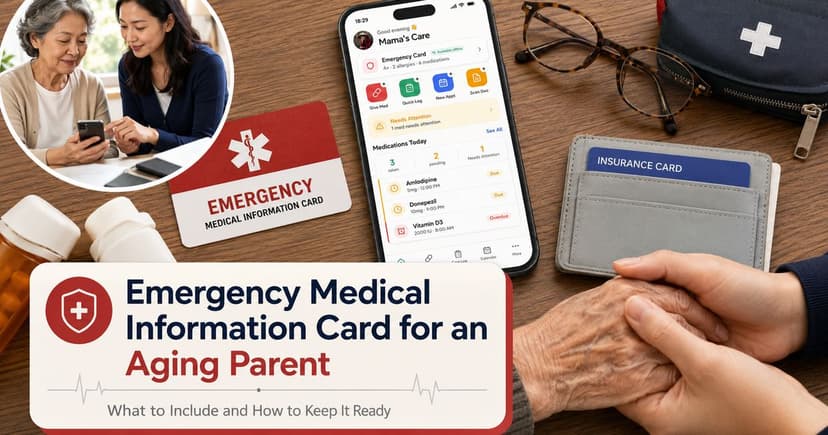
5. Emergency-ready information
During an urgent situation, families do not want to search through old messages for allergies, medications, diagnoses, emergency contacts, or doctor information.
A good caregiver app should make emergency information easy to access quickly.
This does not replace emergency care. It simply helps families bring the most important facts to the surface when time matters.
6. Private, secure health information handling
Caregiving information can include sensitive health details. Families should look for an app with a clear privacy policy, transparent data handling, encryption, and no unnecessary advertising or tracking.
The more personal the information, the more important it is to know where the data lives and who can access it.
7. Offline access
Family care does not always happen in places with stable internet. Clinics, elevators, hospital hallways, rural homes, parking lots, and travel situations can all create moments where a cloud-only tool becomes unreliable.
Offline access matters because caregivers often need information at the exact moment connectivity is weak.
The app should let families view and add important care information even without Wi-Fi or cell signal, then sync when the connection returns.
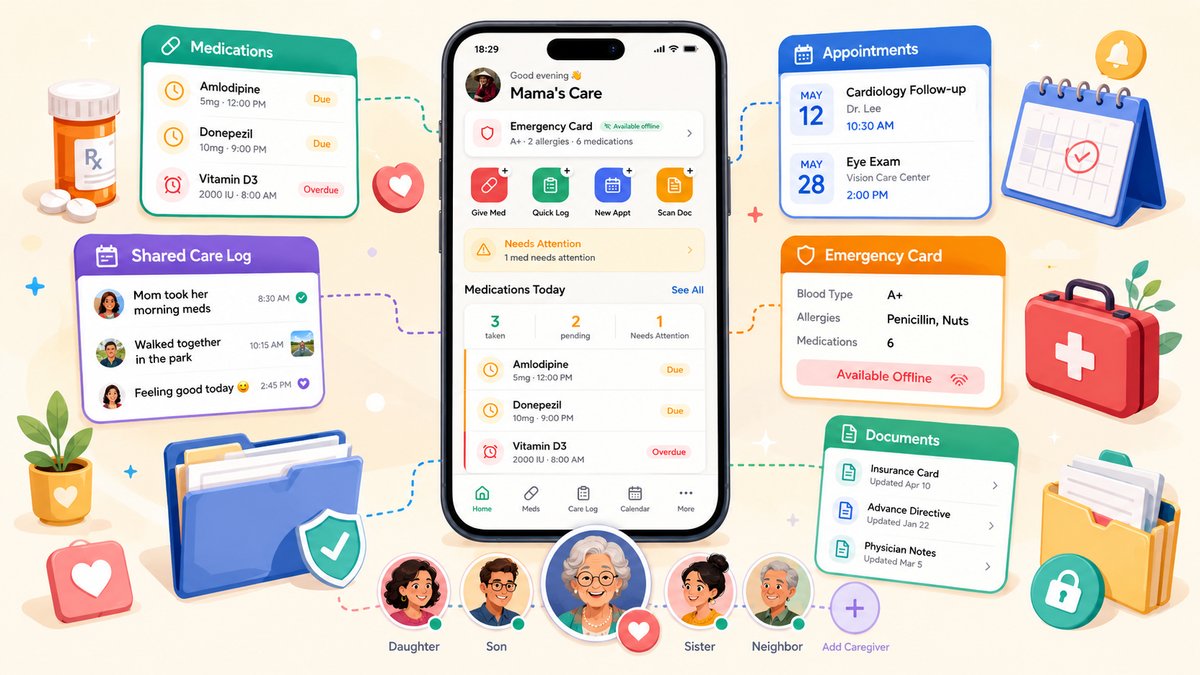
Caregiver app feature checklist
Feature | Why it matters for families |
|---|---|
Shared care log | Creates a timeline of what happened and reduces repeated questions. |
Medication list and notes | Helps families prepare for appointments and keep medication information visible. |
Care team roles | Clarifies who can view, edit, or manage different parts of care. |
Appointments and reminders | Keeps upcoming care tasks from disappearing across separate calendars. |
Emergency card | Surfaces urgent information quickly. |
Document vault | Keeps important records and files easier to find. |
Offline-first access | Keeps information available in real-life care settings with poor signal. |
Privacy-first design | Protects sensitive family health information and builds trust. |
How to introduce a caregiver app to your family
The hard part is not only choosing an app. It is getting the family to use it consistently.
Start small. Do not ask everyone to document everything on day one.
Here is a practical way to begin:
Choose one care recipient and one primary workflow to start with, such as medication notes or daily care logs.
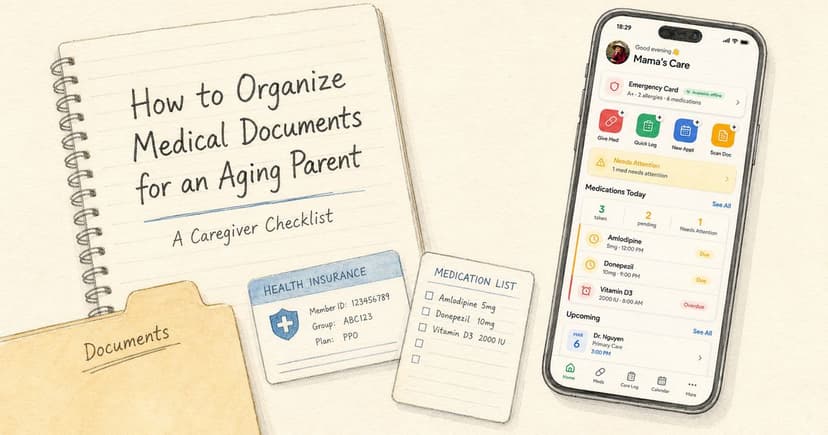
Add the essential information first: medications, emergency contacts, primary doctors, allergies, and key documents.
Invite only the people who are actively involved in care.
Agree on simple rules, such as “log appointment outcomes in the app” or “add medication changes the same day.”
Review the app together after one week and remove anything that feels too complicated.
A caregiver app should feel like a shared family memory, not an administrative burden. If the workflow is too complex, people will return to texting.
Where TendLog fits
TendLog is designed as an offline-first family caregiving hub. It brings medication tracking, care logging, appointments, emergency information, documents, and family coordination into one private place.
For families, the main value is not simply having more features. It is reducing the number of places where care information gets lost.
A medication note should not live in one person’s memory. An emergency contact should not be buried in a message thread. A doctor’s instruction should not disappear in a photo album.
TendLog’s positioning around local encrypted storage, optional sync, no ads, and no unnecessary third-party tracking also matches what families should look for when storing sensitive caregiving information.
Bottom line
The best caregiver app for families is the one that helps everyone coordinate without adding more stress.
Look for shared care logs, medication visibility, role clarity, emergency information, document organization, privacy, and offline access.
Caregiving is already emotionally demanding. The right tool should make the family feel more prepared, more aligned, and less dependent on scattered messages and memory.
Keep your family’s care organized in one private place
Join the TendLog waitlist and keep your family’s care organized in one private place.
FAQ
What is a caregiver app for families?
A caregiver app for families is a tool that helps multiple family members coordinate care for a loved one. It may include shared care logs, medication information, appointments, documents, emergency contacts, and role-based access.
What features should a family caregiving app have?
Useful features include a shared care timeline, medication list, appointment reminders, emergency information, document storage, care team roles, privacy controls, and offline access.
Can siblings use a caregiver app together?
Yes. A family caregiving app can help siblings divide responsibilities, share updates, and stay aligned even when some family members live far away.
Does TendLog provide medical advice?
No. TendLog helps families organize care information. It does not diagnose, prescribe, or replace professional medical advice.