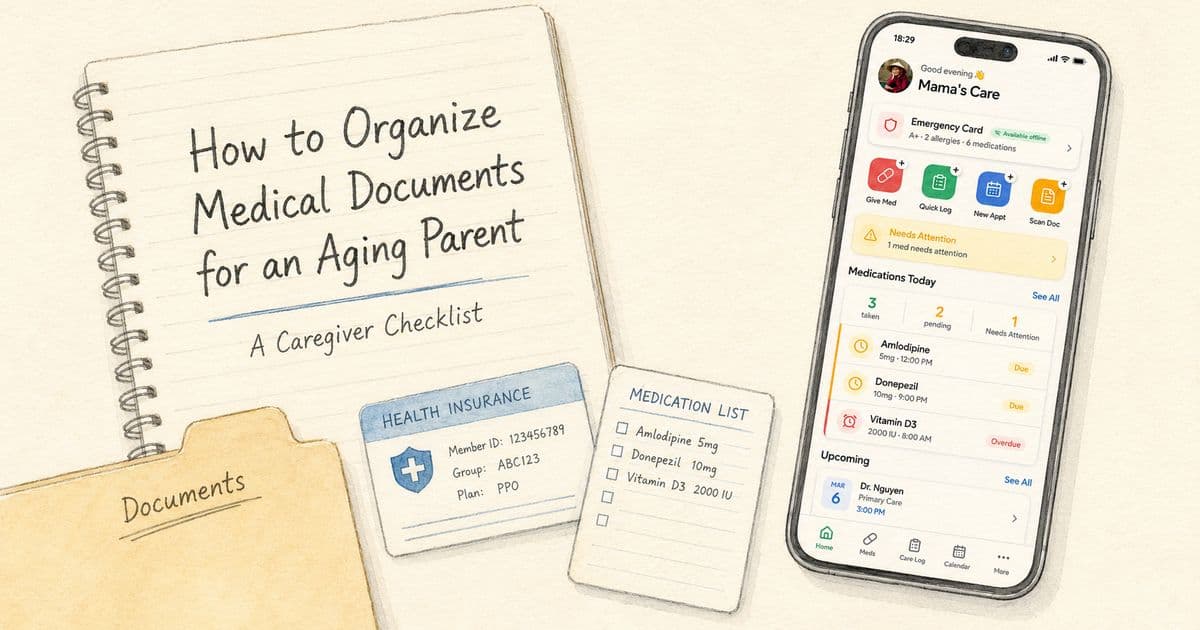
How to Organize Medical Documents for an Aging Parent: A Caregiver Checklist
Use this caregiver checklist to organize an aging parent’s medical documents, medication lists, emergency contacts, insurance cards, care notes, and important health records.
Editorial disclaimer
TendLog helps families organize and share care information. It does not provide medical advice, diagnosis, or treatment. Always consult a qualified healthcare professional for medical decisions. In an emergency, call 911 or your local emergency number immediately.
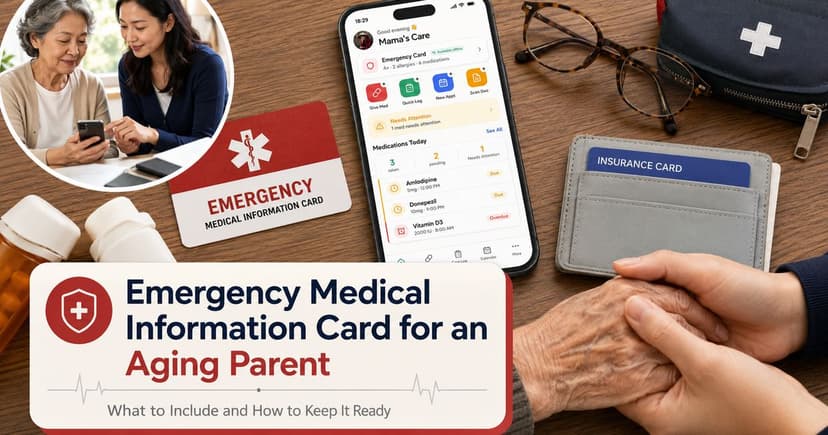
When you are caring for an aging parent, medical documents can quickly spread across paper folders, patient portals, text messages, pharmacy bags, email attachments, and photo albums.
Everything feels manageable until someone asks a simple question: What medications are they taking now? Who is their cardiologist? Where is the discharge instruction sheet from the last visit?
Organizing medical documents for an elderly parent is not about creating a perfect archive.
It is about making sure the right information is easy to find when the family, a doctor, a pharmacist, or an emergency care team needs it.
HealthIT.gov explains that health records can include medications, treatments, tests, immunizations, and notes from provider visits. Those records can help families share, coordinate, verify, and manage care more effectively.
Start with the “need it fast” information
The biggest mistake caregivers make is trying to organize everything at once.
A better approach is to start with the documents and facts that would matter most in an appointment or urgent situation.
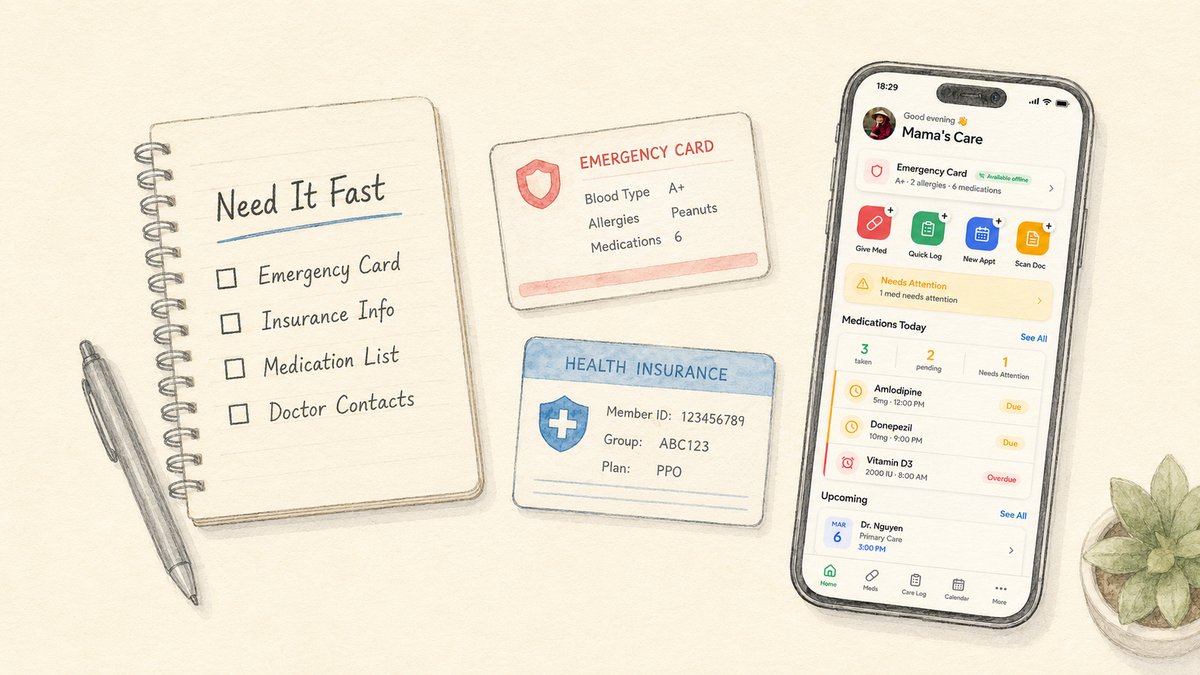
Begin with a small “need it fast” folder. This can be digital, paper, or both.
The goal is to make the most important information available in minutes, not hours.
Core information to gather first
Start with the information your family may need quickly:
Full legal name, date of birth, address, and phone number.
Emergency contacts and who should be called first.
Current medication list, including dosage instructions as written by clinicians or pharmacists.
Allergies and major health conditions.
Primary care doctor, specialists, pharmacy, and preferred hospital.
Insurance information and Medicare or Medicaid details where applicable.
Recent hospital discharge instructions or care plans.
Advance directives or healthcare power of attorney documents, if they exist and the family has appropriate access.
Create categories, not piles
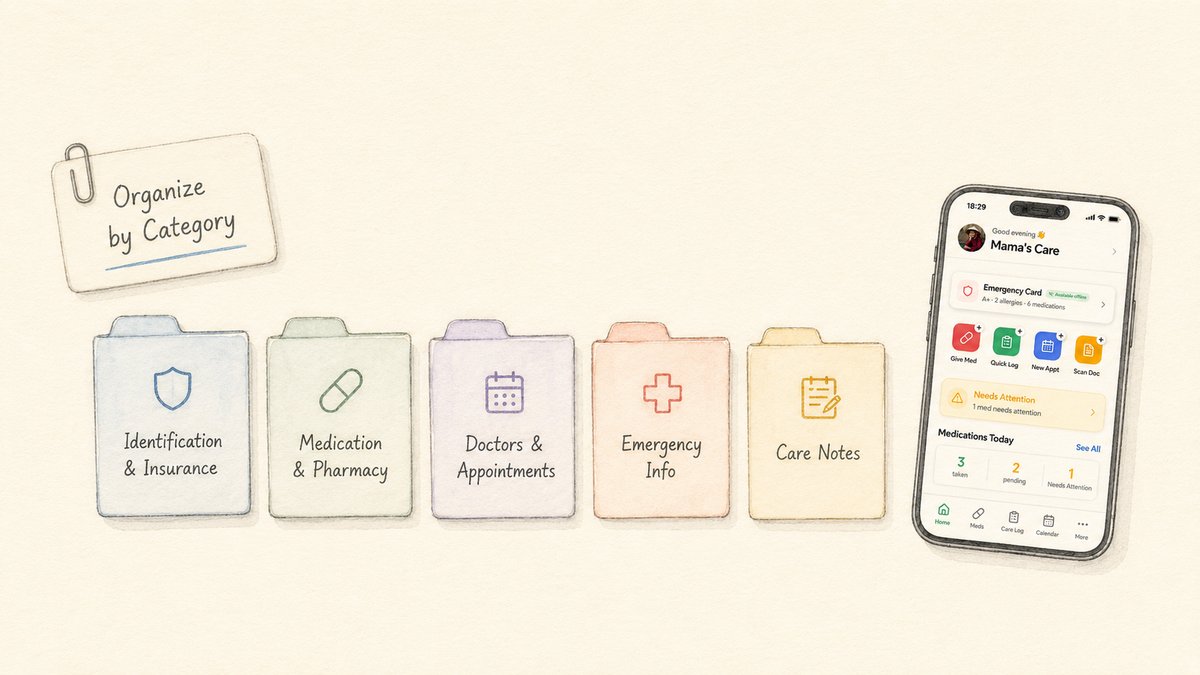
Once the urgent information is handled, organize the remaining documents by category.
Categories make it easier for another family member to find the right document without knowing your personal filing system.
Category | Examples to include |
|---|---|
Identification and insurance | Photo ID, insurance card, Medicare/Medicaid card, pharmacy benefit card. |
Medication and pharmacy | Medication list, prescription labels, refill information, pharmacy contact, medication questions. |
Doctors and appointments | Provider names, visit summaries, referrals, appointment instructions, specialist contacts. |
Test results and diagnoses | Lab results, imaging reports, diagnosis summaries, chronic condition notes. |
Hospital and discharge papers | Discharge instructions, home care instructions, wound care notes, follow-up requirements. |
Emergency information | Allergies, conditions, medications, emergency contacts, preferred hospital. |
Legal and planning documents | Advance directive, healthcare proxy, power of attorney, living will, consent documents where applicable. |
Care notes | Daily observations, symptom timeline, mobility changes, appetite/sleep notes, questions for doctor. |
How to request and use health records
In the United States, patients generally have rights under HIPAA to access their health records from covered providers and health plans.
HealthIT.gov notes that people can request records in electronic, paper, or other formats, depending on the record type and provider process.
For caregivers, the important practical step is to clarify permissions.
Do not assume that an adult child can automatically access a parent’s medical records. The parent may need to authorize access, add the caregiver to a portal, or complete provider-specific forms.
Once the family has appropriate access, health records can support better coordination.
They can help caregivers prepare questions, confirm treatment plans, share information with a new provider, and track changes over time.
Keep a living medication list
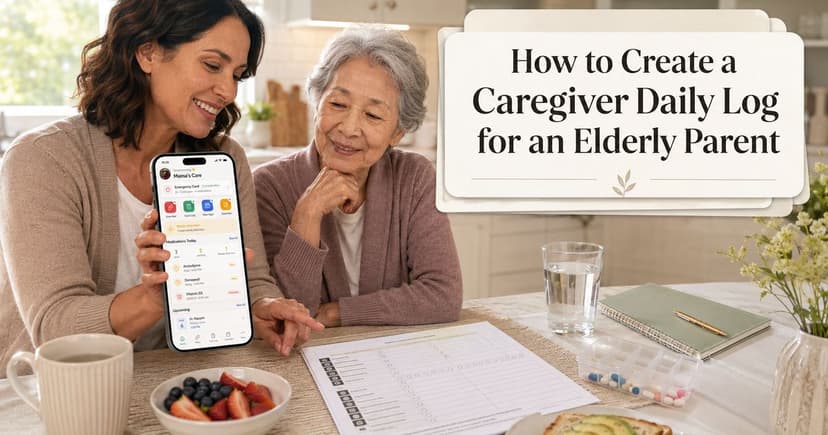
A medication list is one of the most important documents in a caregiver system.
It should not be a photo that gets outdated after the next appointment. It should be a living list that gets reviewed whenever a medication changes.
Include prescriptions, over-the-counter medicines, vitamins, and supplements.
Add the prescribing clinician, pharmacy, and any instructions exactly as provided.
If anything is unclear, ask the doctor or pharmacist instead of guessing.
Add context with care notes
Documents explain what providers ordered or recorded. Care notes explain what the family observed between visits.
Both are useful.
For example, a discharge paper may say to monitor symptoms. A care note can record that the parent felt dizzy after lunch on Monday, slept poorly for three nights, or needed more help walking after a medication change.
These notes can help the family prepare better questions for the next appointment.
The best care notes are simple:
What happened?
When did it happen?
Who observed it?
What question or follow-up does it create?
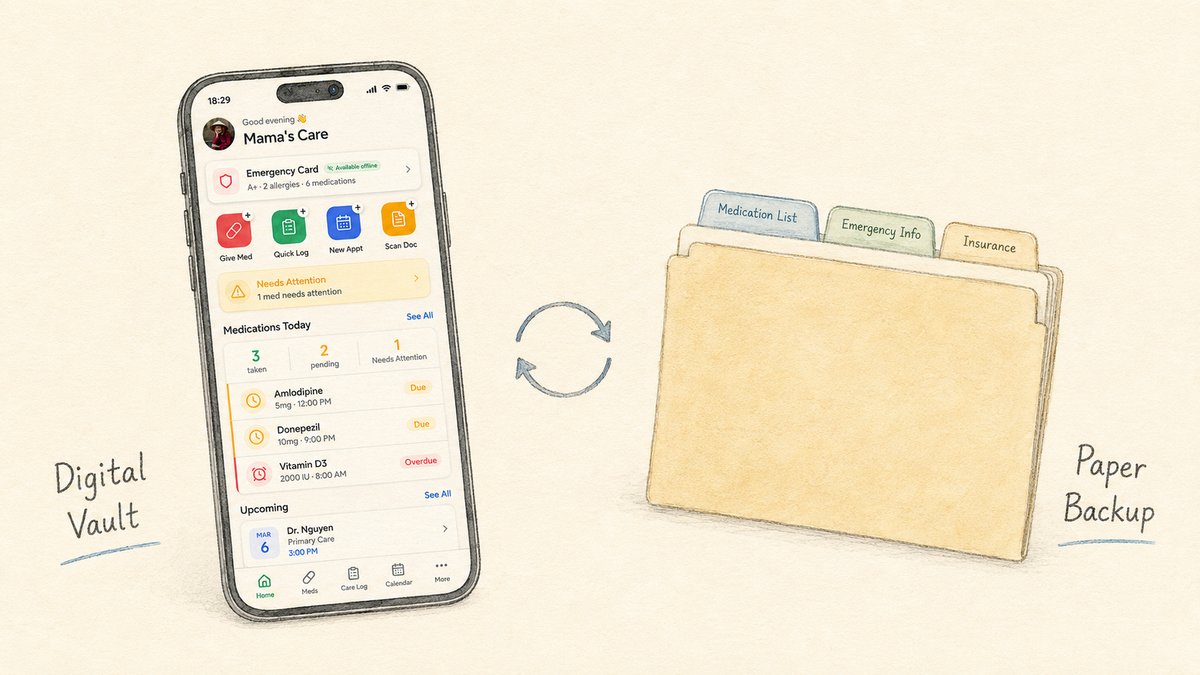
Decide what should be digital, paper, or both
A digital document vault is useful because family members can access information from different places.
A paper folder can still be useful for appointments, emergencies, or caregivers who prefer printed information.
Many families benefit from both.
Good candidates for digital storage
Digital storage is useful for information that needs to be updated, shared, or accessed by multiple family members.
Good candidates include:
Medication list and emergency information.
Insurance cards and provider contacts.
Recent visit summaries and discharge instructions.
Care plans and appointment instructions.
Photos of labels or documents that are hard to retype accurately.
Good candidates for paper backup
Paper backup is useful for information that may need to be shown quickly or used when a phone is unavailable.
Good candidates include:
Emergency medical information summary.
Current medication list.
Advance directive or healthcare proxy copy, where appropriate.
Recent discharge papers for an active care episode.
Protect privacy and consent
Medical documents are sensitive.
Before storing or sharing them, families should discuss consent with the person receiving care whenever possible.
Caregivers should also avoid sending sensitive documents through unsecured channels if a safer option exists.
When choosing a medical document organizer app, look for clear privacy terms, encryption, account controls, export/delete options, and an explanation of whether data is stored locally, in the cloud, or both.
A simple 30-minute setup plan
You do not need to organize every document at once. Start with a small setup that makes care easier immediately.
Here is a simple 30-minute plan:
Create one folder or app space for the care recipient.
Add emergency contacts, doctors, pharmacy, allergies, and known conditions.
Create or update the medication list.
Add insurance information and a photo of the card if appropriate.
Upload or photograph the most recent discharge instructions or care plan.
Add one note explaining the current care situation and open questions.
Invite only the family members who need access and agree on what should be updated after each appointment.
After that, improve the system gradually.
Add older documents only when they are useful. A lean, current system is better than a giant archive nobody can navigate.
Where TendLog fits
TendLog gives families a private place to organize caregiving information across care logs, medication tracking, emergency details, appointments, and documents.
For families trying to organize medical documents for an aging parent, the document vault should not stand alone. It should connect to the rest of the care story.
A discharge instruction is more useful when it is tied to follow-up notes.
A medication list is more useful when the care team can see recent medication-related observations.
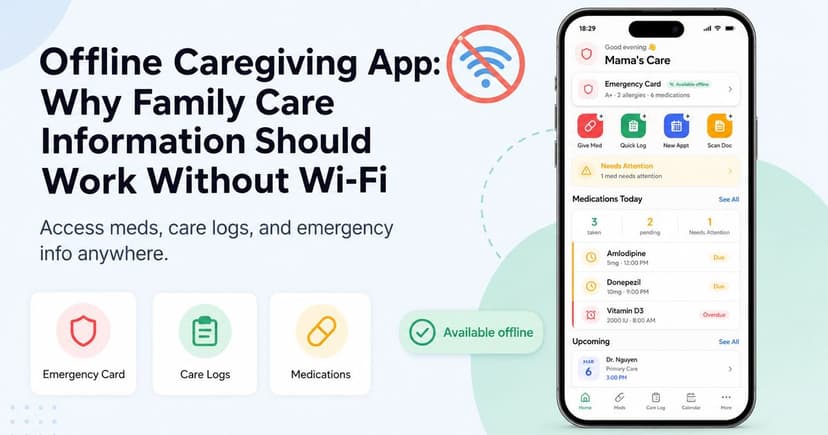
Emergency information is more useful when it is easy to access offline.
TendLog’s offline-first and privacy-first positioning makes it a strong fit for families who want sensitive care information available without relying on scattered paper, message threads, or cloud-only access.
Bottom line
To organize medical documents for an aging parent, start with the information the family may need fast: medications, allergies, doctors, emergency contacts, insurance, recent instructions, and legal planning documents where appropriate.
Then build a simple category system, keep the medication list current, add care notes for context, and choose a private storage method that the family can actually maintain.
Create a private document vault for your parent’s care information
Create a private document vault in TendLog and keep your parent’s care information easier to find when it matters.
FAQ
What medical documents should caregivers organize for an aging parent?
Start with medications, allergies, emergency contacts, doctors, pharmacy, insurance cards, recent discharge instructions, visit summaries, care plans, and legal planning documents if they exist and the family has appropriate access.
How should I organize my parent’s medical records?
Use clear categories such as identification, insurance, medications, doctors, test results, discharge papers, emergency information, legal documents, and care notes. Keep the most urgent information easy to access.
Can adult children access a parent’s medical records?
Access depends on consent, legal authorization, and provider processes. Families should clarify permissions with the parent and healthcare providers.
Is a digital medical document organizer useful for caregivers?
Yes, if it is private, secure, easy to update, and accessible to the right family members. It should make important information easier to find and share with providers or caregivers when appropriate.