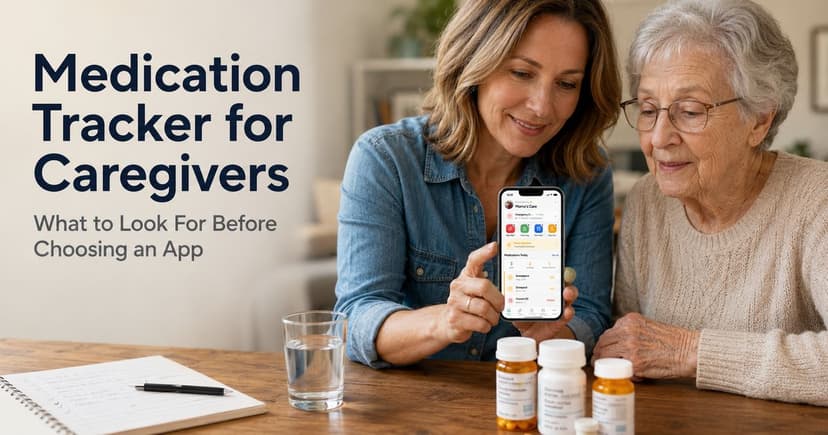
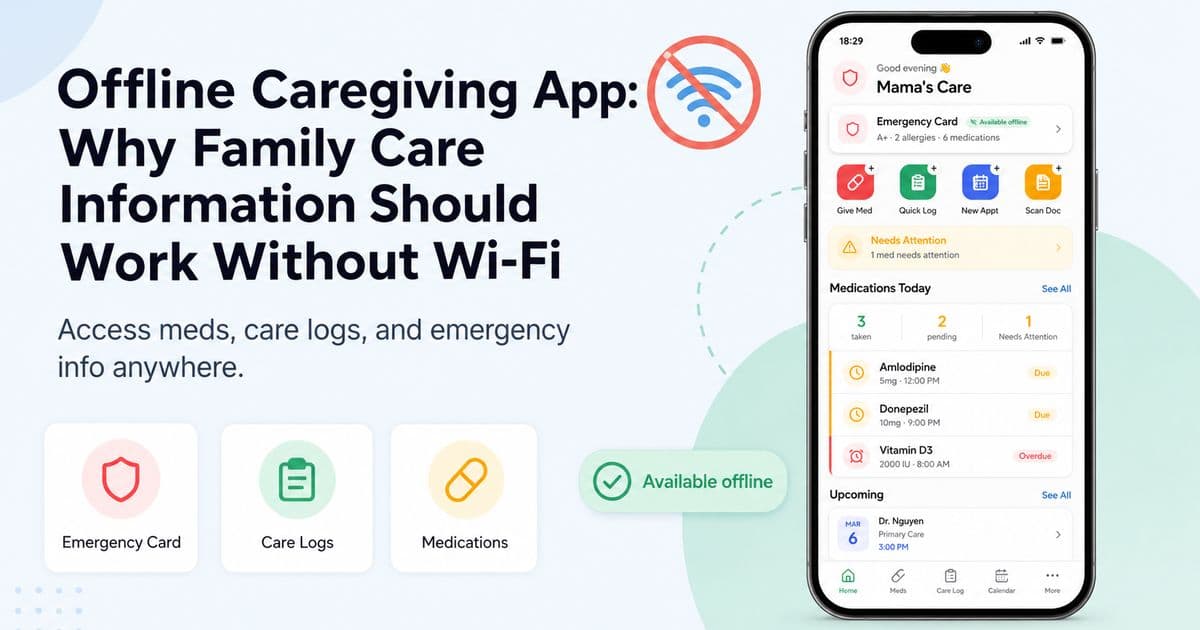
Offline Caregiving App: Why Family Care Information Should Work Without Wi-Fi
Caregiving does not always happen with perfect internet. Learn why an offline caregiving app helps families access care logs, medications, emergency information, and important documents anywhere.
Editorial disclaimer
TendLog helps families organize and share care information. It does not provide medical advice, diagnosis, or treatment. Always consult a qualified healthcare professional for medical decisions. In an emergency, call 911 or your local emergency number immediately.
Most apps assume the internet is always there. Caregiving does not.
A parent may need help in a clinic with weak reception, a hospital hallway with no signal, a rural home, a basement apartment, a parking lot, or during travel. These are exactly the moments when caregivers may need information quickly.
An offline caregiving app is built for that reality. It lets families access key care information even when Wi-Fi or cell signal is unavailable.
For caregivers, this is not a technical convenience. It can be the difference between feeling prepared and feeling helpless.
Caregiving information is often practical and time-sensitive: medication lists, allergies, doctor contacts, emergency contacts, recent care notes, appointment instructions, and documents.
If that information only works when the cloud is reachable, the family’s care system has a weak point.
Why offline access matters in caregiving
Caregivers often work in unpredictable environments.
The person receiving care may live far away. Appointments may happen in buildings with poor reception. Emergencies may happen outside normal routines. Family members may travel between homes, clinics, pharmacies, and hospitals in one day.
In these situations, offline access helps preserve continuity.
A caregiver can open the app, review information, add a note, or show a medication list without waiting for a network connection.
This matters because caregiving depends on context. A family member may remember that a medication changed, but not the exact name. A doctor may ask when a symptom started. A pharmacist may ask what else the person is taking. A nurse may need an emergency contact.
Those answers should not be trapped behind a spinning loading screen.
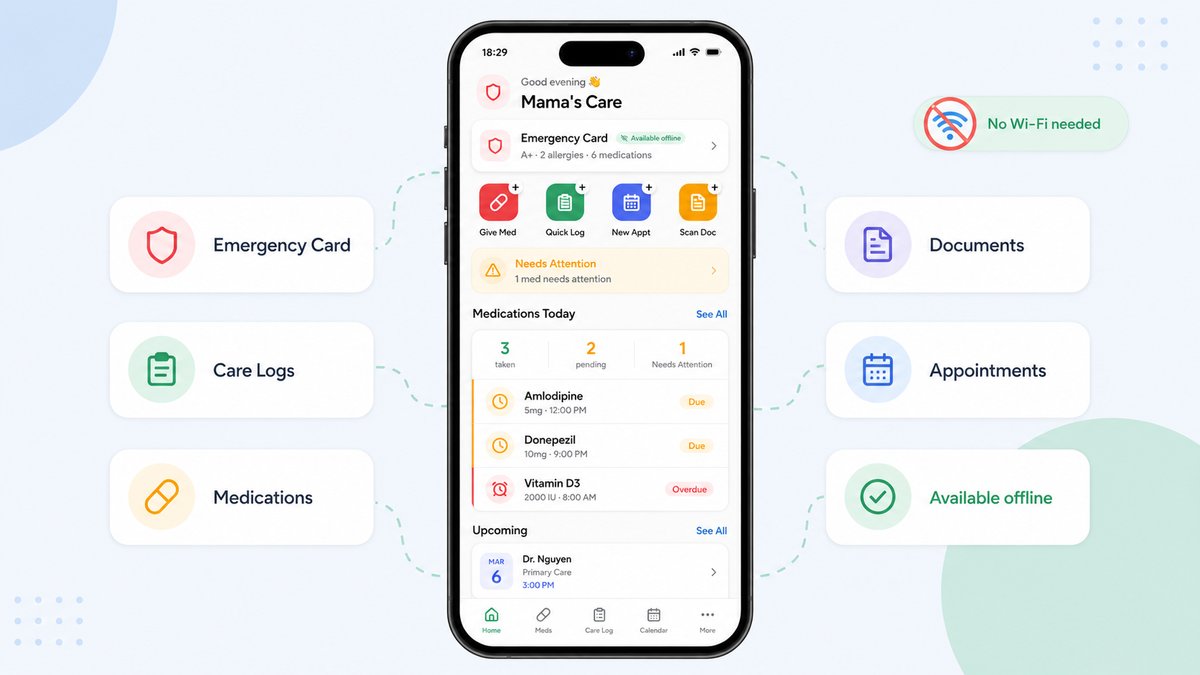
Common moments when caregivers need no-Wi-Fi access
1. Clinic and hospital visits
Healthcare buildings are not always friendly to mobile reception.
Even when signal exists, the caregiver may be moving between waiting rooms, elevators, exam rooms, and pharmacies.
An offline-first app lets the caregiver open medication information, appointment notes, and care logs without relying on the network.
2. Emergency situations
During urgent care, families may need to share allergies, current medications, diagnoses, emergency contacts, or doctor names.
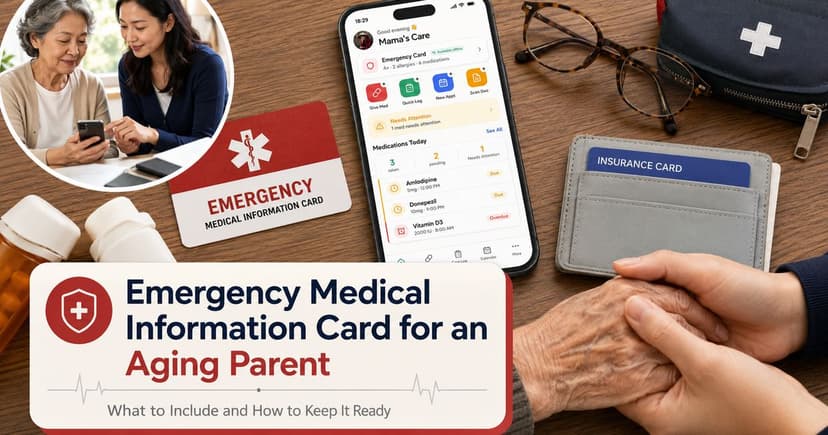
An offline emergency card can keep the most important information available even when the phone cannot connect.
3. Rural caregiving
Many families support older adults outside large urban centers. Internet speed and reliability can vary.
A caregiving app that only works online may be less useful in the home where care actually happens.
4. Travel and transitions
Caregivers may help a parent during travel, after a hospital discharge, during a move, or between family homes.
Offline access helps keep the care plan portable.
5. Shared family care across locations
Some relatives provide care in person while others help from a distance.
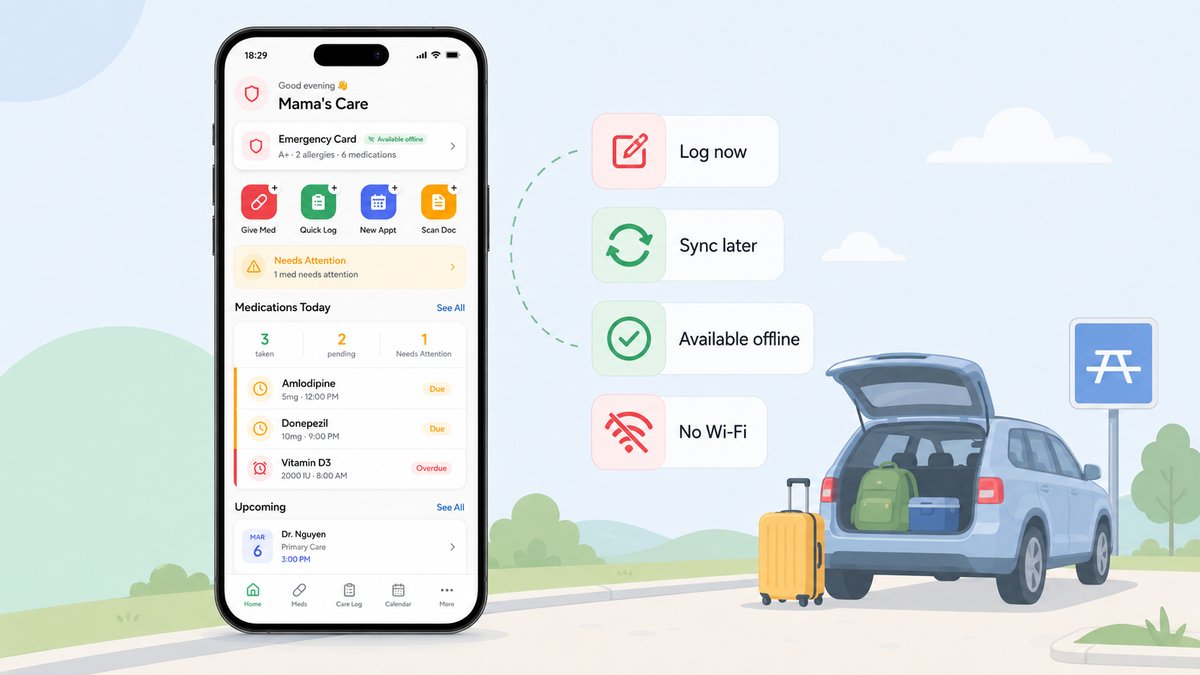
The primary caregiver should still be able to log updates offline, and the rest of the care team should see those updates when sync becomes available.
Cloud-only vs offline-first caregiving
Care need | Cloud-only risk | Offline-first benefit |
|---|---|---|
Medication list | May not load during weak signal. | Available on the device when needed. |
Emergency information | Can be delayed by login or connectivity. | Accessible quickly even without internet. |
Care logs | Notes may be forgotten if they cannot be entered immediately. | Caregivers can log now and sync later. |
Documents | Files may be unavailable if stored only in the cloud. | Key documents can be kept locally for access. |
Family updates | Updates depend on network access. | Local changes can sync when connection returns. |
What “offline-first” should mean in a caregiving app
Offline-first should not mean the app is outdated or disconnected forever.
It means the app is designed to work locally first, then sync responsibly when a connection is available.
For caregivers, an offline-first app should support several practical behaviors:
Open key care information without Wi-Fi or cell signal.
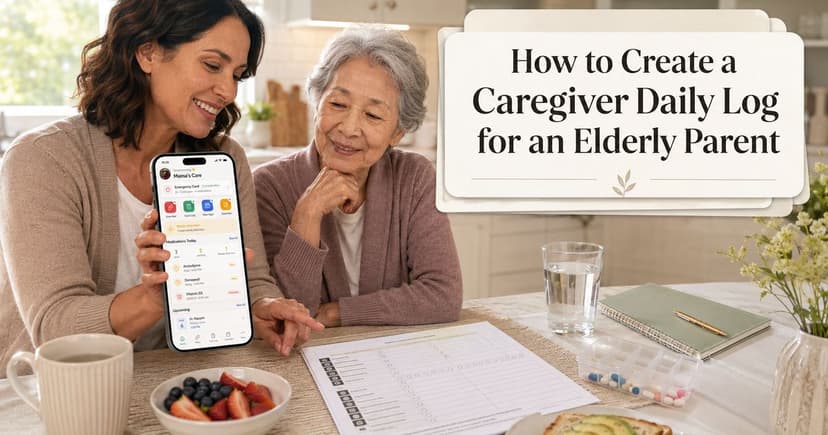
Add care notes while offline.
Access medication information and emergency details locally.
Sync changes automatically when the device reconnects.
Protect local data through device encryption and clear privacy practices.
Avoid making the caregiver manage complicated sync settings manually.
The caregiver should not need to understand databases, caching, or network states.
The experience should simply feel reliable.
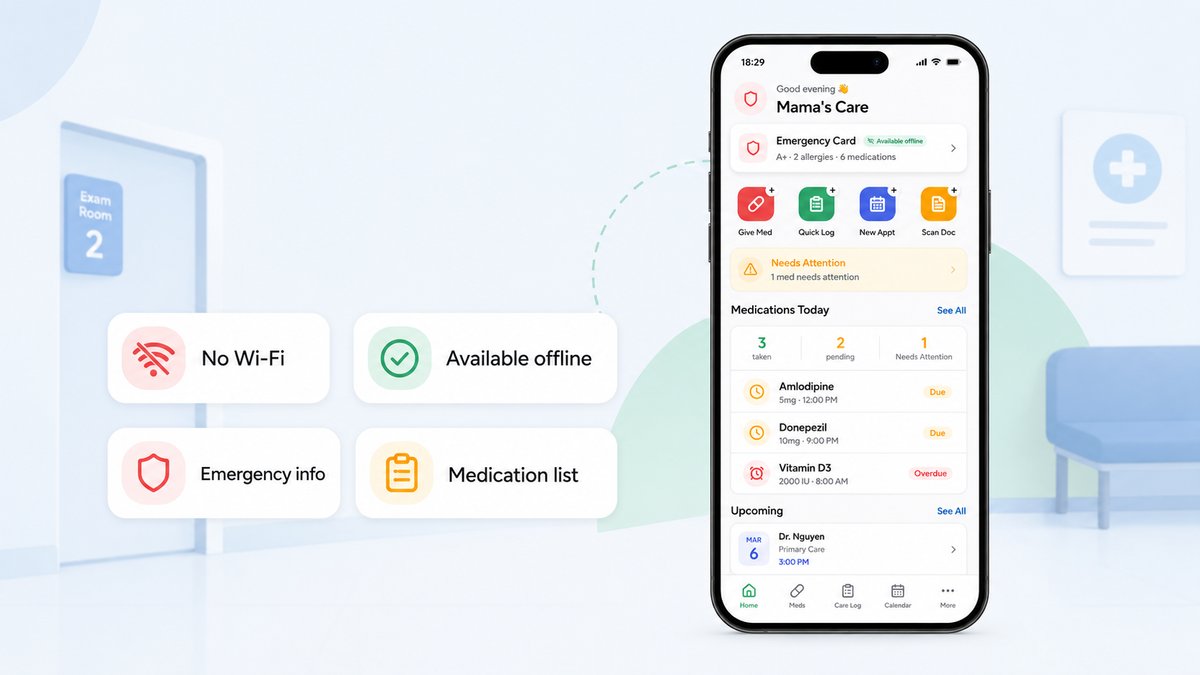
Privacy is part of offline-first design
Offline access and privacy are closely related.
If sensitive care information is stored locally, families should understand how that local data is protected.
If the app also syncs data, families should know what is transmitted, how it is secured, and whether third parties can access or sell personal health information.
HealthIT.gov recommends checking whether a health app explains how it protects information, whether information is encrypted, and whether it is stored on the device or on the app developer’s servers.
For caregiving apps, that transparency is especially important because the information often belongs to a loved one, not only the person using the app.
How families can prepare care information for offline use
An offline caregiving app is most useful when the right information is already organized.
Families can start with the essentials:
Current medication list, including over-the-counter medicines and supplements.
Known allergies and major health conditions.
Primary doctor, specialists, pharmacy, and insurance contacts.
Emergency contacts and preferred hospital or clinic information.
Recent care notes, symptom observations, and appointment questions.
Important documents such as care plans, discharge instructions, advance directives, insurance cards, and ID copies where appropriate.
The goal is not to collect every document on day one.
Start with what would matter if the caregiver had to answer basic questions during an appointment or emergency.
Where TendLog fits
TendLog is built around an offline-first architecture for family caregiving.
According to TendLog’s product positioning, families can log medications, record care activities, and access the Emergency Info Card even without Wi-Fi or cell signal. When connectivity returns, data syncs automatically.
That design fits the reality of caregiving.
Families do not only need a beautiful app when everything is calm. They need information to be available in the awkward, stressful, no-signal moments that happen between home, clinic, pharmacy, and hospital.
TendLog’s privacy-first positioning also matters: local encrypted data, no ads, no unnecessary tracking, and user control over export or deletion are strong trust signals for a caregiving audience.
Bottom line
Offline access should be a serious requirement for family caregiving apps.
Care information is most valuable when it is available at the point of need, not only when the internet cooperates.
For families caring for an aging parent, an offline caregiving app can make the care system more resilient. It helps keep medications, care logs, emergency information, and important documents accessible wherever care happens.
Try an offline-first approach to family caregiving
Join the TendLog waitlist and try an offline-first approach to family caregiving.
FAQ
What is an offline caregiving app?
An offline caregiving app lets caregivers view or add important care information even without Wi-Fi or cell signal. It can then sync updates when a connection returns.
Why do caregivers need offline access?
Caregivers may need medication lists, emergency contacts, care logs, or documents in places with poor reception, such as clinics, hospitals, rural homes, or while traveling.
Is offline access safer than cloud access?
Offline access can improve availability, but safety depends on how the app protects local and synced data. Families should look for encryption, clear privacy policies, and user control over health information.
Does TendLog work without internet?
TendLog is positioned as an offline-first caregiving app. Families can access key care information and log updates offline, then sync when connectivity returns.